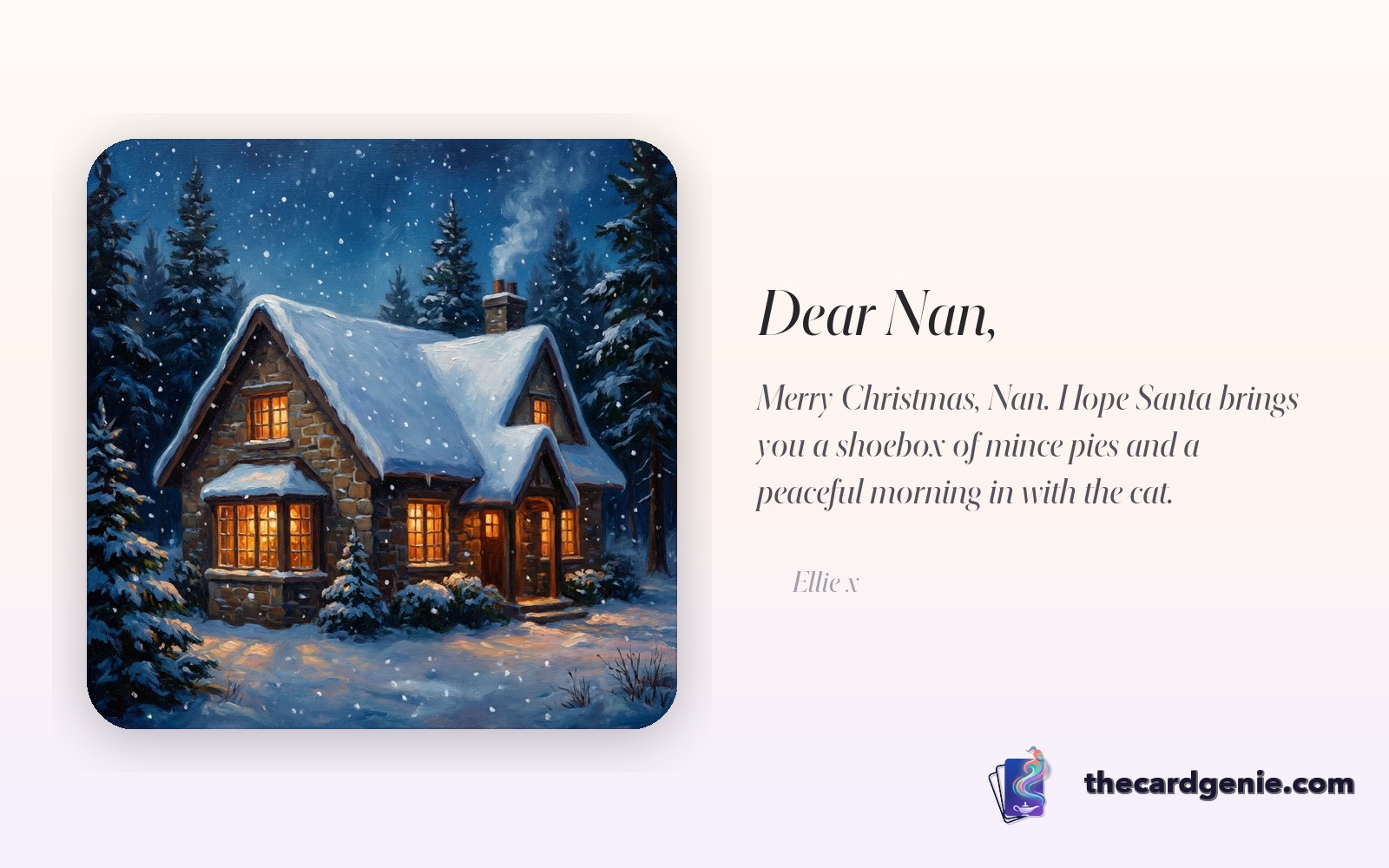
Every December, the same thing plays out in living rooms across the UK. A pile of Christmas cards on the kitchen counter. A list of names being ticked off. And almost every card, robins and baubles and snowmen, looks identical to the one the neighbour has just put through your letterbox.
There's nothing wrong with a traditional Christmas card. But if you're reading this, you probably already suspect something's missing. The card you send to your mum shouldn't be the same one you send to your boss. And the card you send to the person you love most in the world definitely shouldn't come with a barcode on the back.
This is a quick guide to sending a Christmas card that actually feels personal, using AI to do the hard part for you.
Why shop-bought Christmas cards feel a bit off
The problem with most Christmas cards isn't the design. It's that the design has nothing to do with the person receiving it. A generic snowy cottage doesn't know your nan spent last December trying (and failing) to teach the grandkids how to make mince pies. A robin doesn't care that your best mate is obsessed with his new puppy. The card does half the job. It says "I remembered." It doesn't say "I know you."
Personalisation fixes that. But traditional personalised cards have always been painful. Pay £8 for a photo card. Wait a week for delivery. Hope the post doesn't eat it. By the time it arrives, the moment is gone.
The new method: photo in, card out
Here's what's changed. AI image models have got good enough that you can now describe a scene, any scene, and get back a genuinely beautiful, festive image featuring the person in your photo. Not a photo with a cheesy border. An actual re-imagined Christmas scene.
A few ideas that work really well:
- Your gran as the star of a Victorian Christmas card. Upload her photo, describe a candlelit Christmas morning, done.
- The family dog pulling Santa's sleigh. The face is unmistakably your dog. The sleigh is new.
- Your partner on top of a Christmas tree as the angel. We've sent this one. It got framed.
- Everyone at the office as a group of carollers. The reaction in the team Slack is worth it.
The key is the prompt. Don't just say "Christmas card." Say why the person will find it funny, or warm, or embarrassing, or sweet. Describe the moment you want to commemorate. The AI is at its best when you give it something specific to hold onto.
Writing the message
The image gets the attention, but the message is where a Christmas card earns its keep. A few things that tend to work:
- Pick one memory from the year. Not a list of them. One. The time they made you laugh, the thing they helped you with, the holiday you took together.
- Keep it shorter than you think. Two sentences can hit harder than two paragraphs.
- Sign off with something specific. "Love you" is fine. "Love you, see you on Boxing Day, save me a Quality Street" is better.
If you're stuck on the writing, you can let the AI draft a message and edit it into something that sounds like you. Nothing wrong with a bit of a head start.
Video cards: the next level
If you really want to cause a moment, try a video card instead of an image. Same upload, same description, but the result is a 5 to 15 second cinematic clip. Your grandad walking through snow. The dog actually running in the sleigh harness. Your partner catching snowflakes on their tongue.
It's not a photo any more. It's a tiny, personal Christmas film. People screenshot these. People send them round the family WhatsApp. People keep them.
How The Card Genie does it
That's exactly what we built The Card Genie for. Upload a photo, type a sentence describing the scene, pick whether you want an image card or a video card, and the whole thing is ready to send in under two minutes. No delivery wait. No £8 price tag. Just something that actually looks like the person you're sending it to.
The tradition of sending Christmas cards isn't going anywhere. The only thing that changes now is how personal you can make them, and how fast.